Using the Shopify recommended product image size keeps your photos crisp on Retina screens, enables smooth product zoom, and prevents uneven collection grids that make a store look unpolished. According to Shopify’s official documentation, 2048 x 2048 pixels is the Shopify recommended product image size for square photos, with hard upload limits of 5000 x 5000 px (25 megapixels) and 20 MB per file. This guide covers exact dimensions, aspect ratios, file formats, color profiles, and how to keep multi-color variant galleries fast and organized.
Quick answer: The official Shopify recommended product image size is 2048 x 2048 px (1:1 square) in sRGB JPEG or PNG, up to a maximum of 5000 x 5000 px (25 MP) and 20 MB per product image. Once your photos are sized cleanly, pair them with gg Variant Images (Free plan for 1 product) so multi-color products show only the selected color’s photos instead of dumping 40+ images into one cluttered gallery.
Sizing individual images is only half the job. Your aspect ratio consistency, sRGB export settings, and how you organize multi-variant galleries all directly affect how sharp and fast your product pages feel on mobile.
Shopify recommended product image size cheat sheet (2026)
Every hard limit below comes directly from Shopify’s product media types documentation and Shopify’s theme image guidelines:
| Image placement | Recommended dimensions | Aspect ratio | Max upload limit | Best upload format |
|---|---|---|---|---|
| Square product photos (default) | 2048 x 2048 px | 1:1 | 5000 x 5000 px (25 MP) & < 20 MB | JPEG (photos) or PNG (transparency) |
| Portrait product photos (apparel/fashion) | 1600 x 2000 px or 2048 x 2560 px | 4:5 (or 2:3 at 1600 x 2400 px) | 5000 x 5000 px (25 MP) & < 20 MB | JPEG (sRGB) |
| Collection featured images | 2048 x 2048 px (match product ratio) | 1:1 or 4:5 (keep consistent) | 5000 x 5000 px (25 MP) & < 20 MB | JPEG |
| Hero banners & slideshows | 1920 x 1080 px (or 2000 x 1000 px) | 16:9 or 2:1 | 20 MP & < 20 MB | JPEG (sRGB) |
| Store logos, icons & size charts | 400 x 200 px (logo) / 1600 px wide (charts) | Varies | 20 MP & < 20 MB | PNG (sharp text & flat color) |
Notice one subtle difference in Shopify’s upload rules: product and collection images allow up to 25 megapixels (5000 x 5000 px), while theme section images (banners, slideshows, logos) cap out at 20 megapixels. If Shopify shows a “file too large” error on an image under 20 MB, check the megapixel count (width x height / 1,000,000) rather than just the megabyte file size.
Choosing the right aspect ratio for your theme
Following the Shopify recommended product image size matters less if half your products are square and half are tall portraits. On collection pages, mixed aspect ratios create jagged rows where product titles and prices sit at different heights unless your theme forces a crop.
- 1:1 Square (
2048 x 2048 px): The safest default across almost every Shopify theme (including Dawn, Refresh, and Horizon). Great for accessories, cosmetics, jewelry, electronics, and home goods. - 4:5 Portrait (
1600 x 2000 pxor2048 x 2560 px): Ideal for apparel, dresses, coats, and full-body model shots where square crops slice off heads or shoes. - 2:3 Portrait (
1600 x 2400 px): Popular on editorial and luxury fashion themes that use tall vertical product cards.
Whichever ratio you pick, apply that exact aspect ratio across every product’s featured image (and set Focal points in Shopify admin if your theme crops product thumbnails on mobile or featured grids).
File formats, compression and the sRGB color trap
Many guides still tell merchants to shrink every photo down to 100 KB before uploading. Shopify’s own image documentation recommends the opposite:
- Upload high-resolution JPEG or PNG originals: Shopify does not compress files on upload, and Shopify’s CDN automatically serves responsive dimensions plus WebP and AVIF to supported browsers (and converts animated GIFs to animated WebP). Over-compressing before upload just feeds Shopify a blurry master file.
- Always export in sRGB: Shopify strips embedded
.ICCand.ICMcolor profiles when serving images on your storefront and defaults browsers to sRGB. Exporting product photos in Adobe RGB or Display P3 causes noticeable color shifts on live pages, which is especially painful when selling clothing, paint, cosmetics, or upholstery by color. - Keep zoom headroom: Going below 800 x 800 px disables or blurs pinch-to-zoom and lightbox zoom on modern themes. Staying at the Shopify recommended product image size (
2048 x 2048 px, or at least1600 pxon the short edge for portrait shots) keeps fabric texture sharp when shoppers zoom in.
Why image sizing alone will not fix multi-color variant galleries
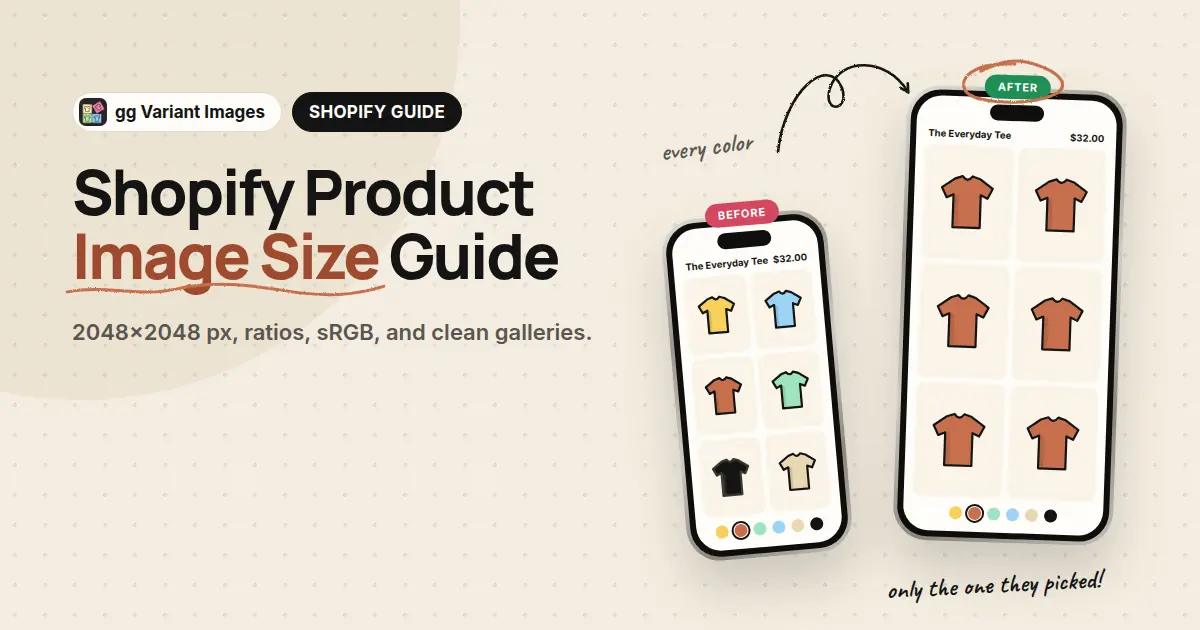
Even when every photo matches the Shopify recommended product image size in crisp sRGB, multi-variant stores run into a major gallery problem: Shopify natively puts every variant’s photos into one shared product gallery.
If one sneaker or hoodie comes in 7 colors with 6 photos per color, every shopper lands on a 42-photo gallery. Swiping past 36 photos of the wrong color hurts mobile browsing and pushes size charts or key detail shots out of sight. Compare how different gallery approaches handle multi-color catalogs:
| Gallery approach | Keeps 2048×2048 zoom quality | Shows only selected color’s photos | Shared size charts without duplicating files | Preserves alt text for SEO | Theme edits needed |
|---|---|---|---|---|---|
| Default Shopify gallery | Yes | No (shows all colors together) | N/A (all images show always) | Yes | None |
| Theme alt-tag filtering | Yes | Partial (theme-dependent) | Usually requires duplicating or tagging | No (overwrites alt text with color codes) | Theme-dependent |
| gg Variant Images | Yes (uses your native Shopify CDN media) | Yes (filters main gallery, thumbnails & zoom) | Yes (unassigned images stay visible everywhere) | Yes (full alt text preserved) | None (app embed) |
Read our breakdown of showing only selected variant images on Shopify and our Dawn theme variant images guide to see how standard themes behave out of the box.
Pair clean image sizing with gg Variant Images
Once your photos match the Shopify recommended product image size and aspect ratio, gg Variant Images turns large multi-color photo sets into fast, focused per-variant galleries without touching your theme code.
- Clean per-variant galleries: Clicking a color or material shows only the photos, videos, and 3D models assigned to that variant across the main gallery, thumbnails, and zoom.
- No duplicate size charts or lifestyle shots: Leave universal images (like a PNG size chart or packaging shot) unassigned and they automatically stay visible on every color.
- One-click AI auto-assign and bulk assign: Map 40-photo products in seconds with AI auto-assign or drag-and-drop ordering, while keeping your SEO alt text completely untouched.
- Optional color and variant image swatches: Replace plain text selectors with crisp solid, two-tone, or variant photo swatches (see our walkthrough on how to add color swatches in Shopify).
- Simple pricing on every Shopify plan: Start on the Free plan (covers 1 live product) to test on your own theme, and upgrade to the Unlimited plan at a flat $15/month for unlimited products.
Four-step setup for sharp, filtered variant galleries
- Export your product photos at the Shopify recommended product image size (
2048 x 2048 pxsquare or consistent4:5portrait) in sRGB JPEG (and PNG for size charts), then upload them to your product in Shopify admin. - Install gg Variant Images and enable the gg Variant Images app embed under Online Store > Themes > Customize > App embeds.
- Open Variant images (or Bulk assign), run AI auto-assign or drag photos onto each color, and leave shared size charts unassigned. Follow our hub guide on how to add variant images on Shopify for full multi-image organization tips.
- Preview your product page on mobile and desktop to verify crisp zoom, consistent aspect ratios, and clean gallery switching across every color.
Running a custom theme or unique gallery layout? Send us the URL and our support makes the app work for your theme as soon as possible.
Frequently asked questions
What is the Shopify recommended product image size in 2026?
The official Shopify recommended product image size for square product photos is 2048 x 2048 pixels (1:1 aspect ratio). For portrait fashion and apparel stores, 1600 x 2000 px or 2048 x 2560 px (4:5 ratio) works best as long as every product uses the same aspect ratio.
What is the maximum file size and resolution for Shopify product images?
Shopify supports product and collection images up to 5000 x 5000 pixels (25 megapixels) and smaller than 20 MB per file. General theme section images such as banners and slideshows have a slightly lower cap of 20 megapixels and 20 MB.
Should I convert product images to WebP before uploading to Shopify?
You do not need to convert files to WebP manually. Upload high-resolution sRGB JPEG photos (or PNG for graphics with transparency and text), and Shopify’s CDN automatically delivers responsive WebP or AVIF files to shoppers whose browsers support them.
—